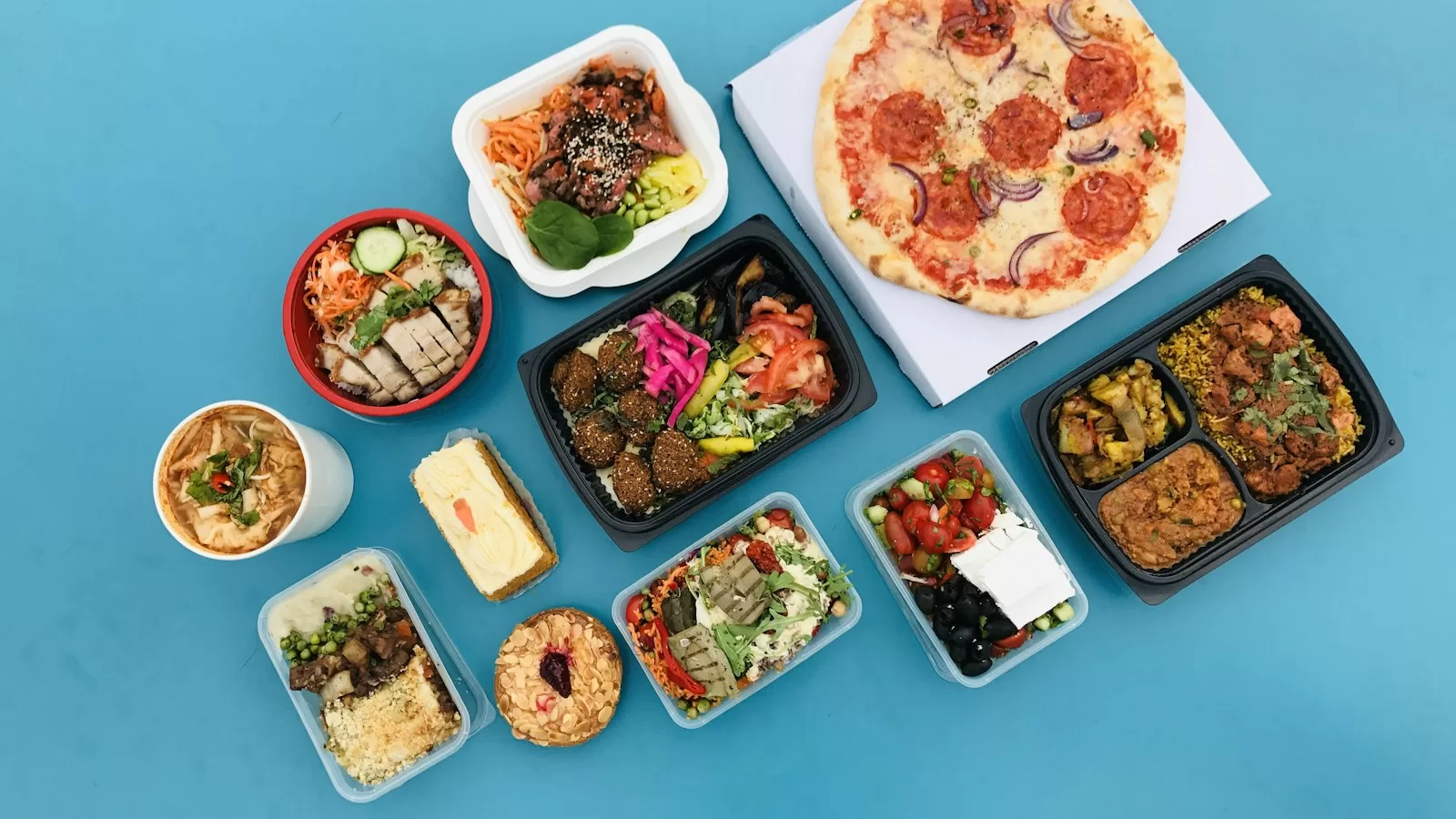
Friday, eight in the evening. Someone searches for your pizzeria by name on Google Maps, opens the listing and taps the button to order. That customer has already chosen your restaurant. The question is a different one: does the order come in through your own channel, or through a platform that keeps part of the value and the customer's contact details?
Until recently, that decision was not entirely in the restaurant's hands. Ordering platforms that declare an authorised relationship with the business appear on the profile automatically, according to Google Business Profile Help. To remove one, you had to ask the platform itself and wait.
On 28 October 2026, Lisa Landsman, Google's head of industry engagement and small business success, announced on LinkedIn that restaurants can now manage and switch off ordering providers directly from the profile dashboard, as reported by Search Engine Journal. It looks like a configuration detail. In practice, it is choosing which channel receives a customer who is already yours.
What Google changed in October 2026
There are two pieces, and both can be confirmed in Google's documentation or in sources quoting it.
The first is the policy that ordering platforms must follow to appear on profiles. The 19 October 2026 version of the Ordering Redirect compliance requirements, quoted by Search Engine Journal, says partner integrations are enabled by default, but the merchant can enable or disable each one through product controls.
The second is the dashboard. In the profile, under Food ordering, the restaurant sees the list of providers and links. According to the announcement and Google's help pages, it can:
- open a provider under Manage provider and turn off the Show provider to customers switch, separately for pickup and for delivery, without removing it from every channel;
- mark a provider or its own link as preferred, again separately for pickup and for delivery;
- add its own ordering links, for example to the ordering page on its website;
- request the removal of a third-party link, which the platform must take down within 5 business days, with a form to report a violation if it does not.
The sentence that sums up the change: since October 2026, a restaurant can switch off, in its own Google Business Profile, the ordering platforms it does not want to show, without waiting for each platform to handle the request.
A useful warning: at the time of writing, Google's help page on ordering options still describes the old process (select the provider and choose "Remove link") and does not explain the new switch. TechWyse noted the same on 29 October. If the help page is updated, button names may change slightly.
Is it available in Portugal?
Google has not published a list of countries for this control. When a user asked in the comments on the announcement which countries had it, Michael G., a Google product manager, replied "all", according to Search Engine Journal. That is a reply in a comment, not an official note.
Google's help page has separate instructions for businesses outside the United States and warns that, depending on the country, the options appear under an "Order online" button or as separate "Place an order" links. The safest way to know is to open your profile and look for the ordering section. In the Portuguese interface, names may differ from the ones used here: the Portuguese version of the help page is in Brazilian Portuguese and calls it "Pedido de comida".
Why this is a business decision
Someone searching for your restaurant by name is not comparing options. They have already decided. If the button sends them to an intermediary platform, the sale still happens, but three things change:
- The margin. The platform charges the commission set in your contract. There is no single figure for the sector: the right number is the one on your invoice.
- The contact. The customer is registered with the platform. Reaching them again, for a promotion or a new menu, depends on its rules.
- The experience. Prices, photos and delivery times become whatever the platform shows.
But there is another side, and Google itself acknowledges it. Landsman pointed out that many customers prefer to order in the app where they already have an account, a subscription or a saved card. Switching everything off can cost orders from people who will never create an account on a new site.
So the useful question is not "platforms, yes or no". It is: which channel appears first, for which type of order, and how much stays with you in each one.
Three cases, three configurations
A pizzeria with its own couriers. It has its own delivery and an ordering page that works. It makes sense to mark its own link as preferred for delivery and for pickup, and keep one platform visible as an alternative for people who prefer the app. Platforms that bring no orders or have worse terms can be switched off.
A restaurant with no delivery of its own. It depends on platforms to deliver. Here, the decision is to choose the preferred one for delivery (the one with the best margin or best coverage of the area) and use its own link as preferred for pickup. Takeaway needs no courier, and it is where a direct order usually makes the biggest difference.
A small chain with three locations. Each location has its own profile, and the decision can differ by area. One practical detail: according to the help page on business links, these links are not available through the Business Profile API or spreadsheet upload, and the announcement did not clarify whether the new control works in bulk. Expect to configure profile by profile.
How to review your listing in seven steps
- Look at the profile as a customer. Search for the restaurant's name on Google and on Maps, on your phone, and tap the ordering button. Note which platforms appear and which comes first.
- Pull the numbers from your contracts. Commission, fees and who pays for delivery, platform by platform. Compare with the cost of a direct order (payment, packaging, delivery if you do it).
- Read the terms before switching off. Check whether any platform contract says something about presence on external channels. When in doubt, ask the platform.
- Test your own link. Updated menu, consistent prices, opening hours, delivery area, payment and customer confirmation, all on a phone. An own link that fails at eight in the evening is worse than the platform.
- Configure the dashboard. Under Food ordering, set the preferred option for pickup and for delivery and switch off what you do not want to show. Be careful with the general "Accept orders on your profile" switch: according to Google's help page, turning it off hides all third-party ordering options and the links you added.
- Measure what comes in through Google. Add UTM parameters to your own link (for example, utm_source=google and utm_medium=business_profile) to separate these orders in Google Analytics. If you do not yet use Analytics for this, our article on turning Google Analytics into clients helps set up the measurement.
- Review once a month. Because integrations are enabled by default, a new platform you sign a contract with may start appearing without anyone on the team noticing.
What if a platform does not go away?
If you requested the removal of a link and it is still there, Google's help page gives the platform 5 business days to take it down and points to a form for reporting the violation. With the new control, the fastest route is to switch off the provider in the profile itself and only then deal with the formal removal. Keep the date of the request and a screenshot of the profile, in case you need to complain.
Your own link has to be up to standard
Giving priority to direct ordering only pays off if your own channel is good. A contact form or a PDF menu is no substitute for a page where the customer chooses, pays and receives confirmation in a few taps.
The minimum worth having: a menu in sync with what the kitchen has, clear opening hours and delivery areas, online payment, automatic confirmation and a page that loads fast on a phone. For restaurants with many regular customers, an app of their own can bring repeat orders and loyalty together in one place.
The pattern is not new. In September we wrote about how Google changed search in Europe and direct bookings became more valuable for accommodation. In restaurants, the logic is the same: once the customer has already reached you, the direct channel stops being an extra and becomes margin.
Google's change does not force anyone to leave the platforms. It gives the restaurant control over a decision that others used to make: which button the customer sees first. For many businesses, the right configuration takes half an hour. What costs money is not doing it and continuing to pay commission on customers who were already yours.
How Digito helps
If your restaurant already receives orders through Google but your own link is not ready to take them, we can start by reviewing the listing and the ordering journey on a phone. For a first diagnosis, you can use our free Google listing analysis.
From there, direct ordering is built on your website or online store, with menu, payment and confirmation working on a phone, or in an app made for the business, when it makes sense to bring repeat orders and loyalty together in one place.
Get in touch at digitosolutions.com.
Sources
- Google Business Profile Help, Manage online ordering options (preferred links for pickup and delivery, own links, removal within 5 business days, "Accept orders on your profile" switch, businesses outside the US), consulted on 16 November 2026
- Google Business Profile Help, Manage your local business links (links not available through the API or spreadsheet upload)
- Search Engine Journal, Google lets restaurants opt out of third-party ordering providers, 28 October 2026 (Lisa Landsman's announcement; "Manage provider" panel and pickup/delivery switches; Ordering Redirect policy of 19 October; "all" reply from a product manager)
- Search Engine Roundtable, Google Business Profiles Finally Adds Third-Party Ordering Controls, 28 October 2026
- TechWyse, Google Gives Restaurants a Say in Where Search Traffic Becomes Orders, 29 October 2026 (Google help page not yet covering the new control)
- Search Engine Roundtable, Google Business Profiles Disabling Third-Party Ordering Providers, 14 February 2024 (context on the previous process)